
Performance & optimization
A little less in your way.
Bounded chunk scanning, configurable effects budgets and performance profiles let you choose the work your client does. No invented FPS promises.
scan.radius / budget controlsCORALCLIENT
A premium Minecraft Fabric client combining powerful utilities, advanced customization, and carefully optimized performance.
01 / BENEATH THE SURFACE
Practical tools and personal details, together in CoralClient.
Performance & optimization
Bounded chunk scanning, configurable effects budgets and performance profiles let you choose the work your client does. No invented FPS promises.
scan.radius / budget controlsCustomizable ClickGUI
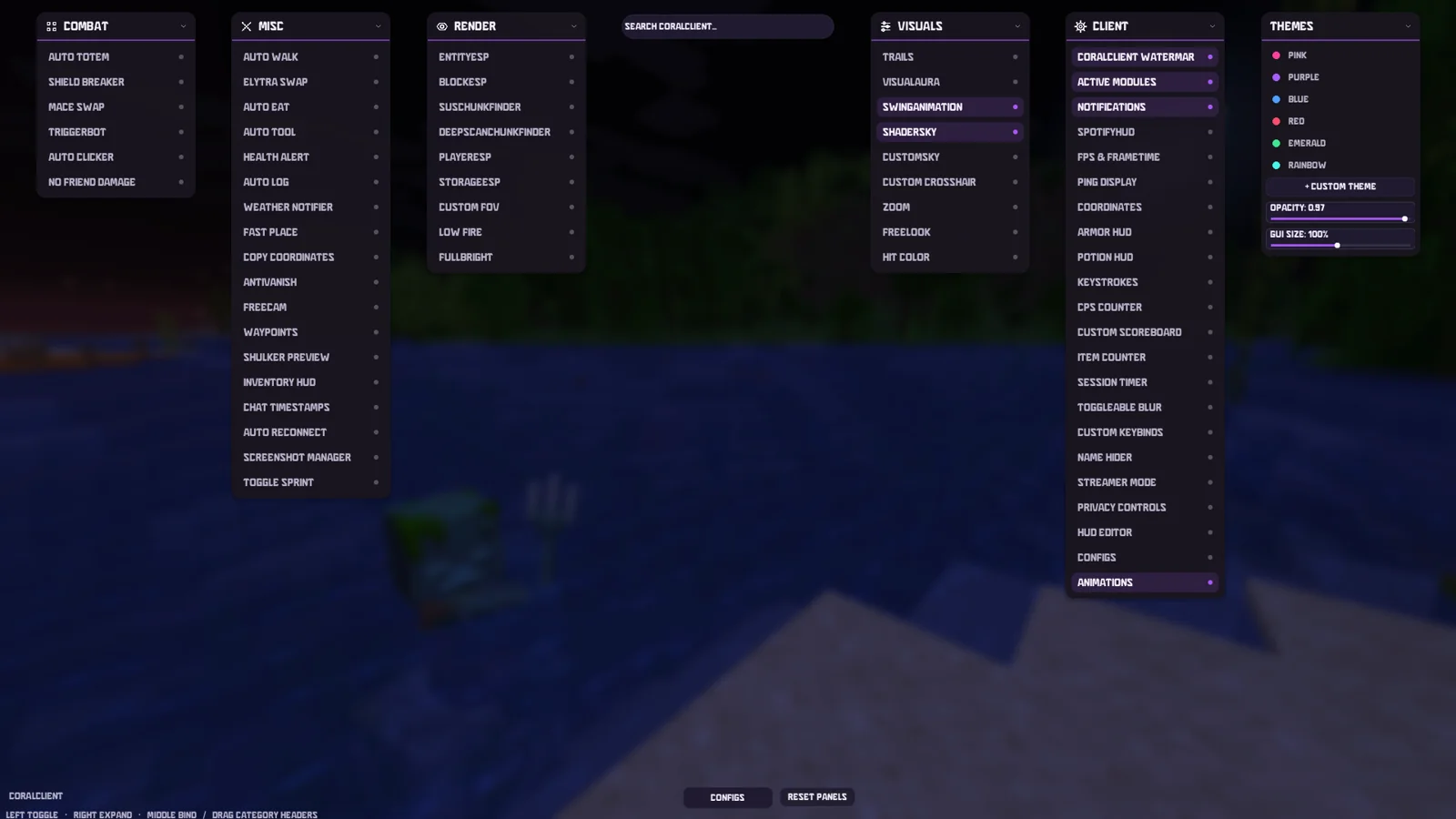
Draggable dropdown panels, expandable settings and persistent keybinds. Pick a preset accent or save your own RGB and HEX theme.
Right Shift / open ClickGUIAdvanced utility modules
Explore real loaded-chunk evidence with SusChunkFinder and DeepScan. Keep context with ESP, RegionMap and configurable mining tools.
Loaded chunks / explainable evidenceVisual customization
Procedural animated skies, trails, cosmetic auras and the existing SwingAnimation engine. Make your world feel a little more yours.
10 cinematic sky presetsConfiguration & profiles
Save local profiles, import and export configurations, and position your HUD where it belongs. Your next session starts with your preferences.
Local profiles / draggable HUDYour personal client
Redeem a key once in your account. Authorized downloads include signed enrollment, with device verification on launch.
Account / license / device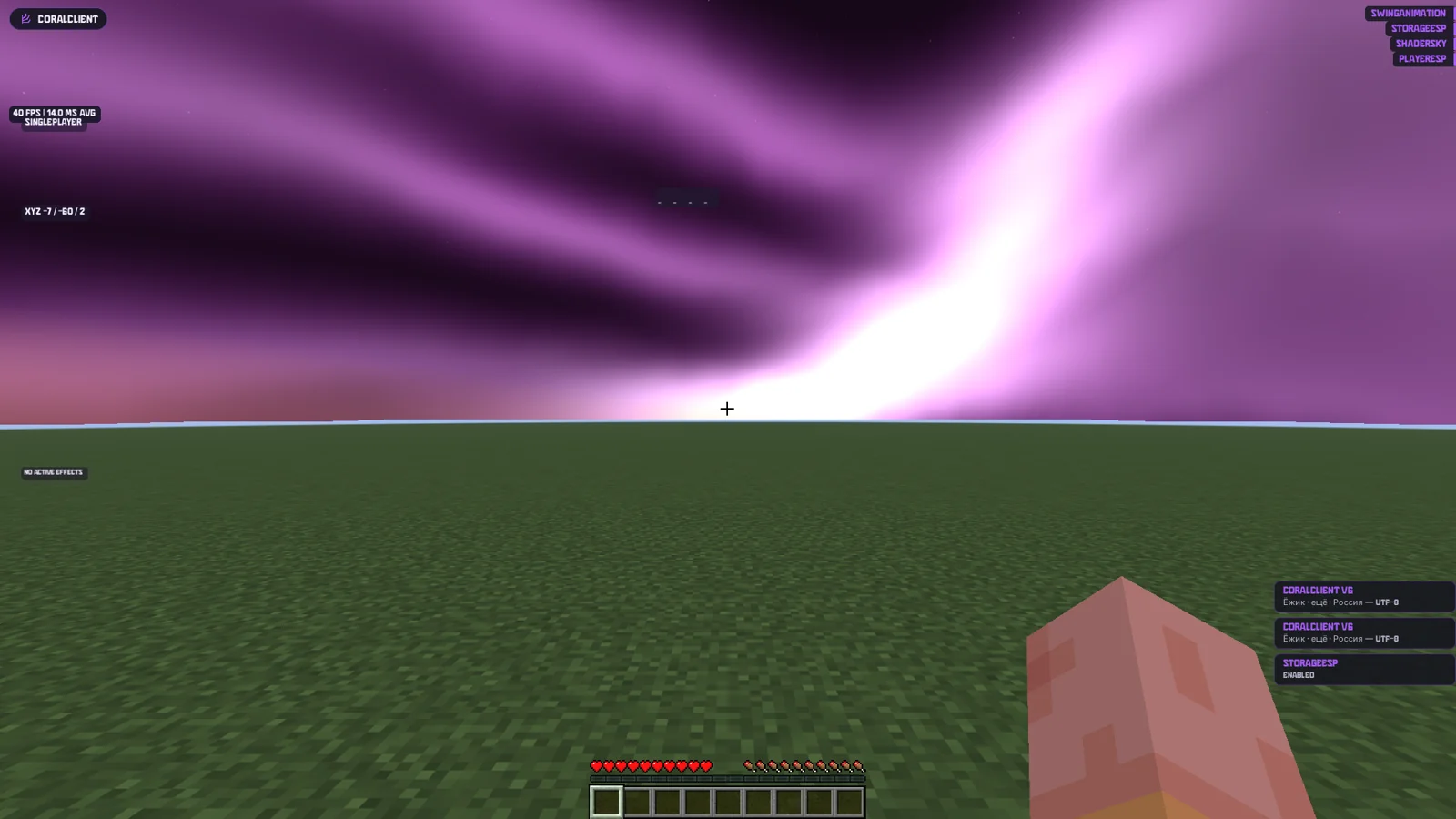
02 / WITHIN REACH
Draggable dropdowns. Your keybinds. Your colors.
Website interaction demo. Your game settings stay in Minecraft.
Preview only · no connection to your Minecraft session.
03 / THE COLLECTION
Explore the real released modules. Search by name or find your category.
Open the complete library ↗Only loaded, supported client behavior is described. No planned modules.
AFTER DARK
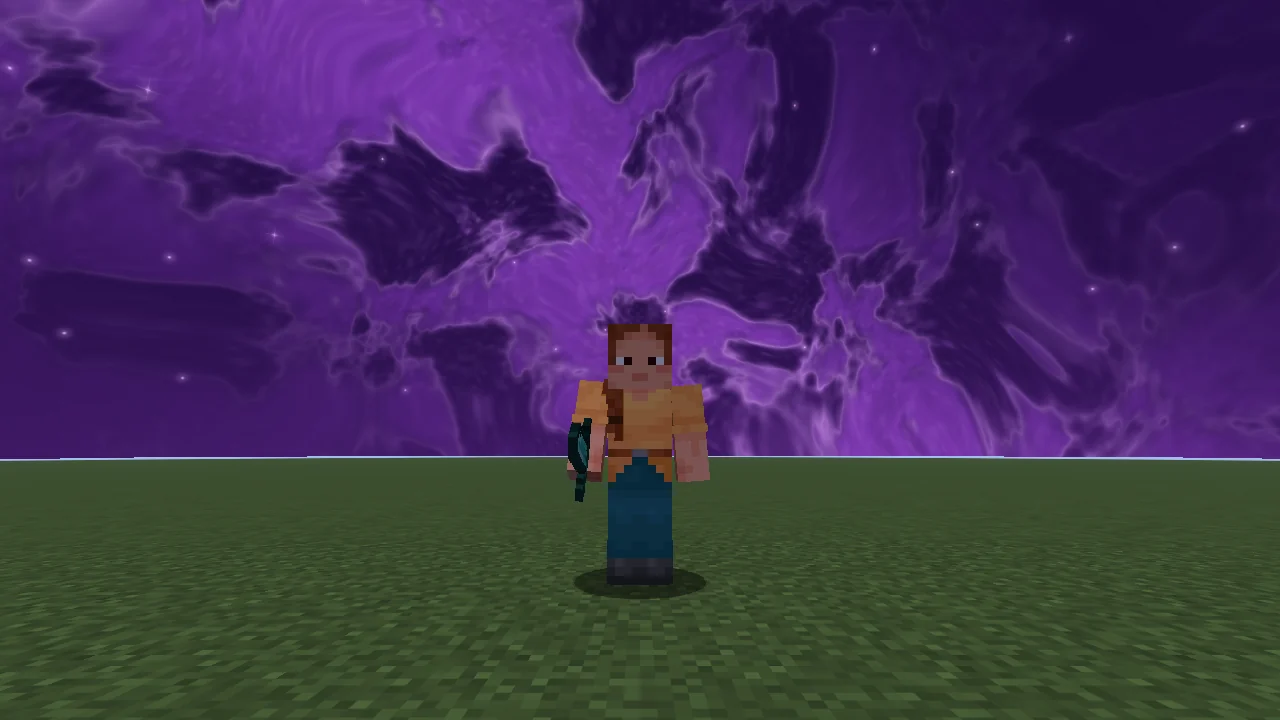
Animated skies and local cosmetic effects.
Captured in your world, shaped by your settings.
Cosmic Purple / actual in-game capture. Still frame of an animated effect.
YOUR NEXT SESSION
Sign in, redeem your key once and download your personalized JAR.
Use Minecraft 1.21.11 with Java 21. Put Fabric API and CoralClient in your mods folder.
Launch your Fabric profile. Press Right Shift to open CoralClient.
FROM THE COMMUNITY
Loading community access…
YOUR ACCESS
Monthly or Lifetime.
The same client. Your choice of access.
30 days from first activation
Current price confirmed in Discord.
No scheduled expiration
Current price confirmed in Discord.
No automated checkout or recurring billing. Staff confirm price, availability and the agreed purchase workflow in Discord. Already have a key? Redeem it →
END OF THE DESCENT. START OF YOUR SESSION.
Updates, support, and the people behind CoralClient.
Join the Discord ↗Open your dashboard ↗